A camera operator, not a switcher
Moves that set off gently and roll out, cuts that land in a pan still settling, a hand on the camera if you want it. Vary the style a little or freely – who is shown when stays right.

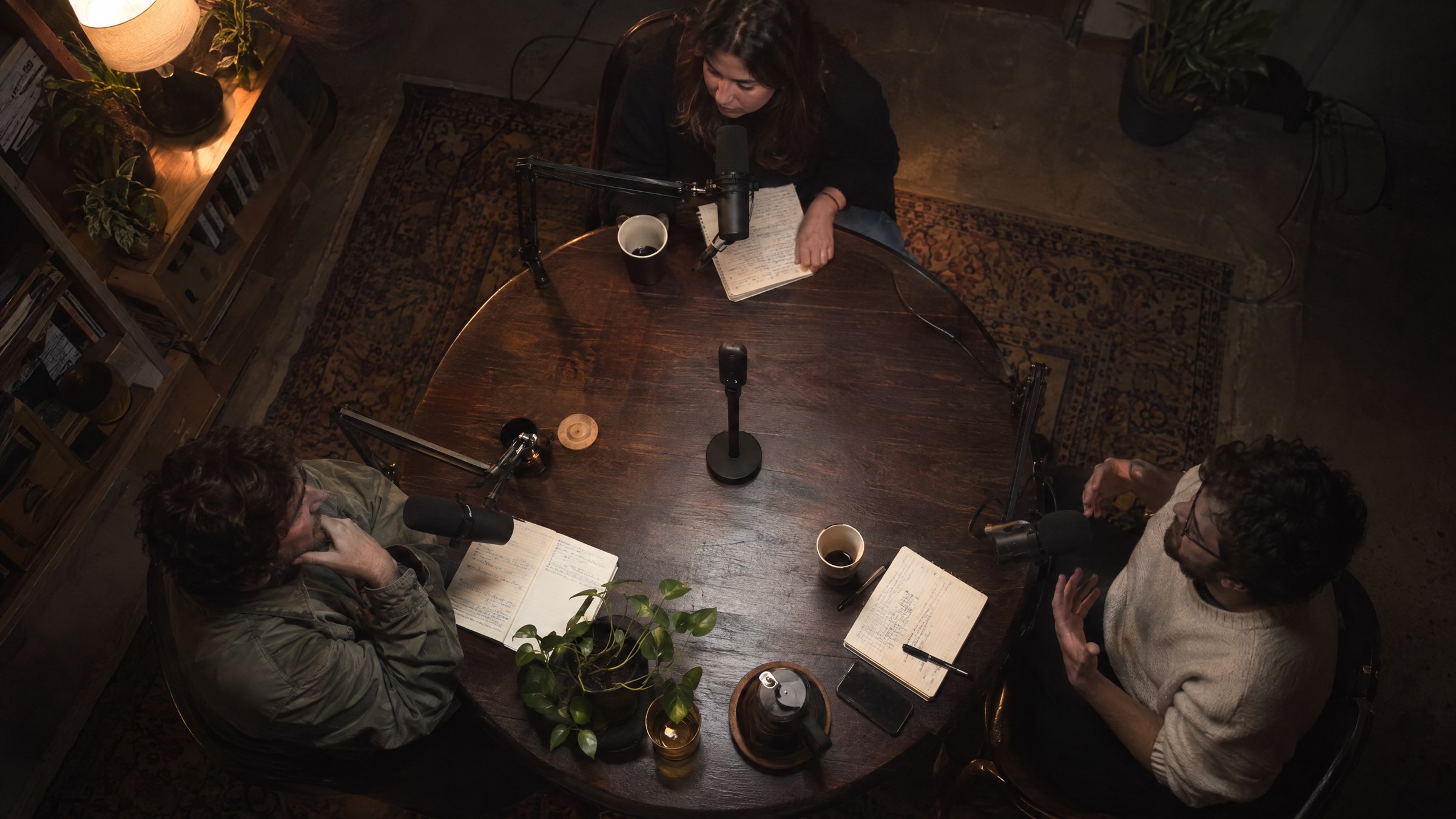
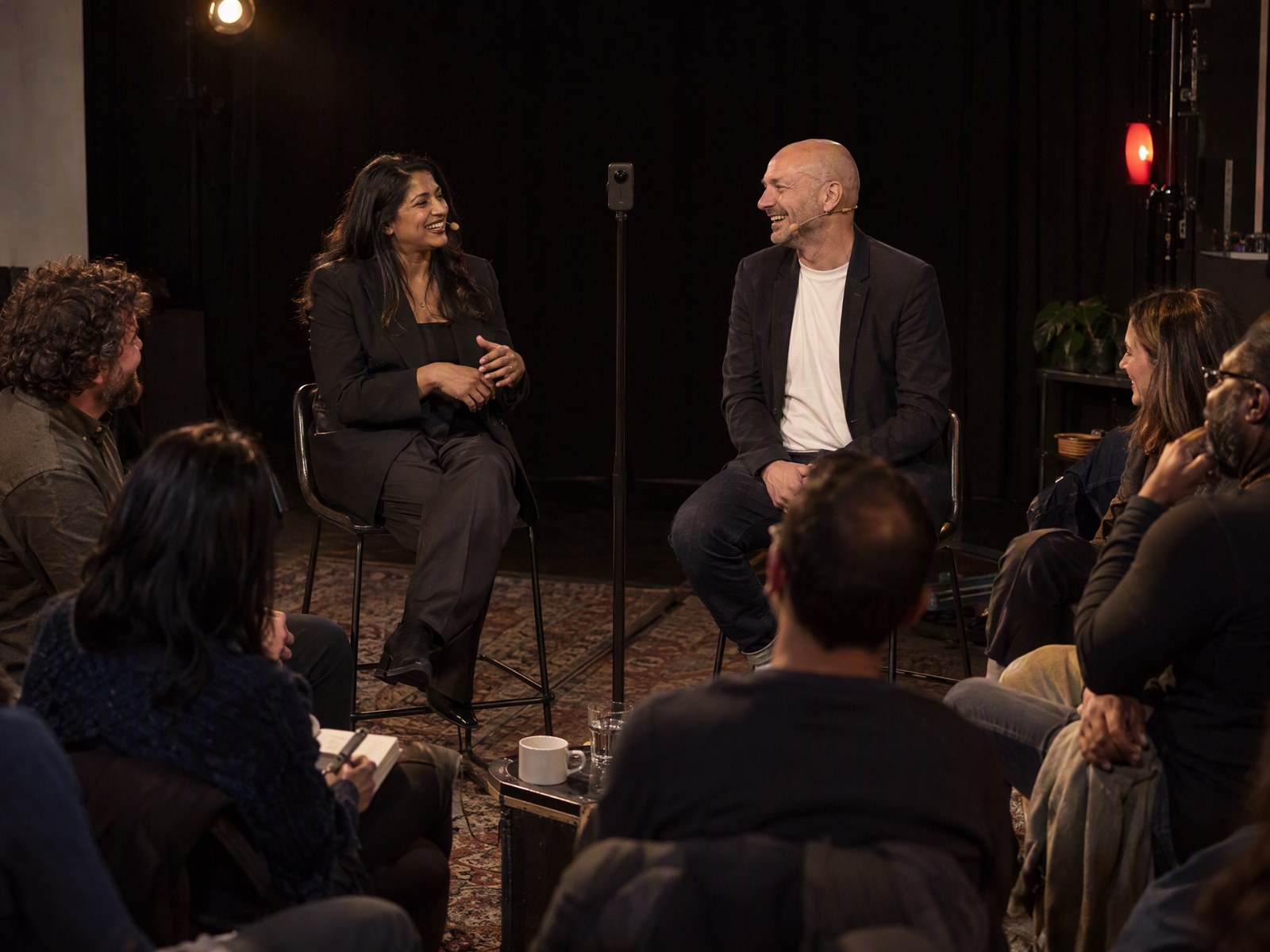
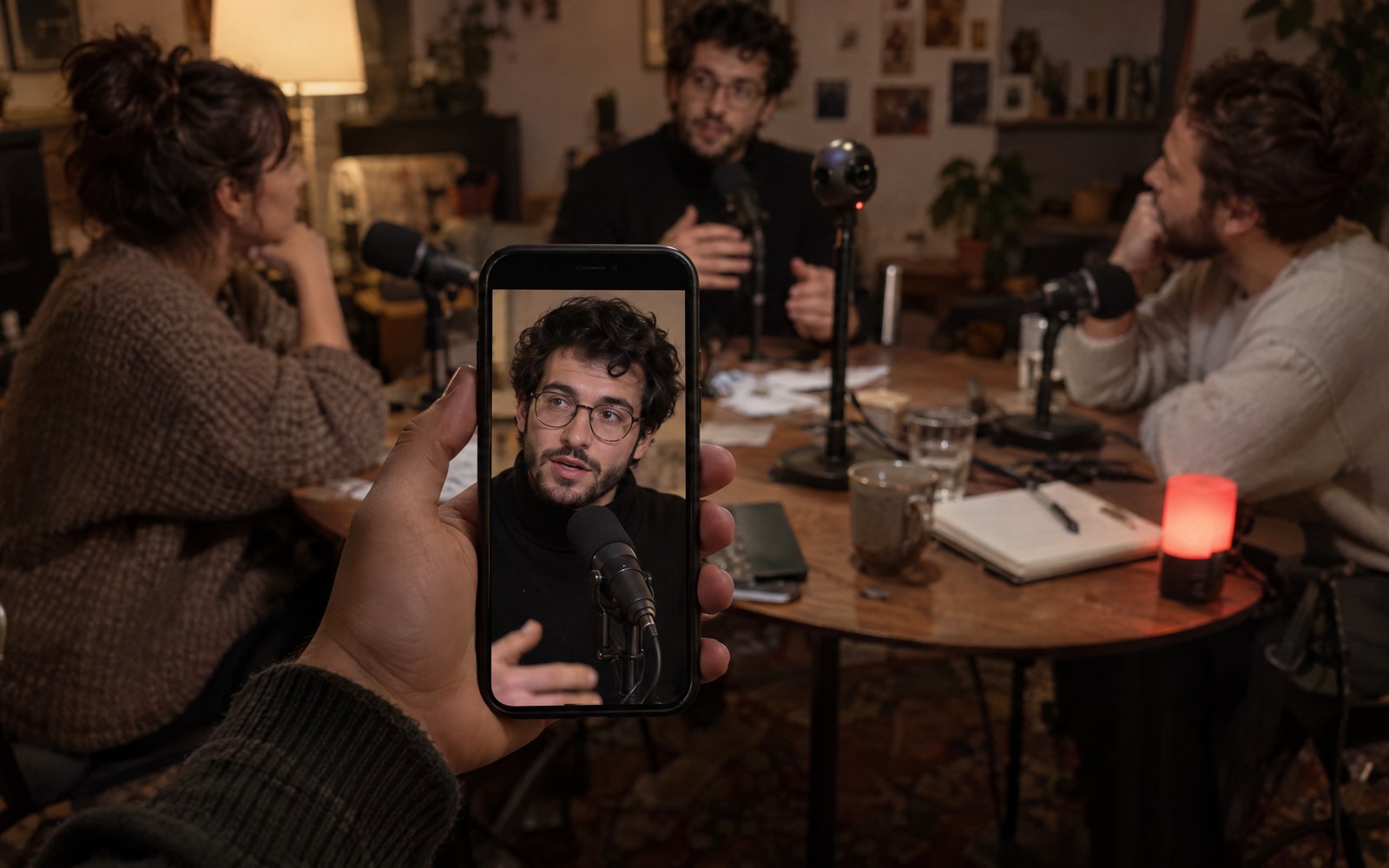
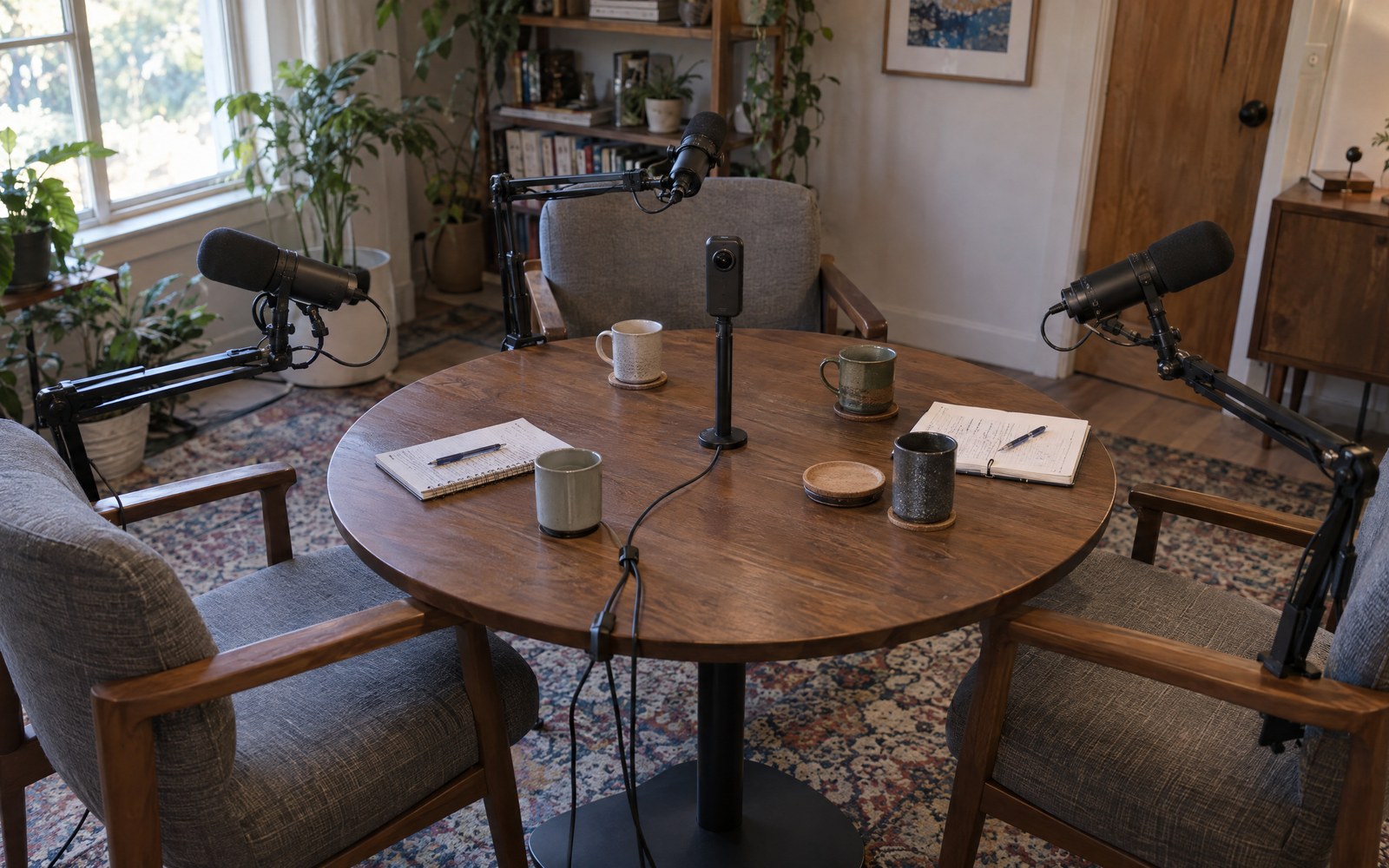
For everyone who makes a podcast and wants it on video. Put one 360° camera in the middle of the table and talk. PodcastMagic 360 finds every person, works out who is speaking and directs the cut like a camera operator would – close-ups, reactions, vertical clips. No camera crew, no editing skills needed.
PodcastMagic 360 is a DaVinci Resolve Studio plugin (version 21.1 or later, Windows 10/11 and Apple-silicon Macs) that turns the recording of one 360° camera – GoPro MAX / MAX 2, Insta360 X series or any equirectangular 360° video – into a multicam video podcast edit. It detects who is speaking, frames every person with virtual camera moves, cuts in reactions, adds lower thirds and titles, makes 9:16 highlight clips and writes an ordinary Resolve timeline. It costs $99 once; the free trial writes the first two minutes of an episode.
The autopilot cuts to whoever speaks, a little ahead of the first word, catches the laugh and goes wide when everyone talks at once. Press 1 2 3 or 0 – or tap a seat – to overdub it, just like in the plugin.
Your cut holds for four seconds, then the autopilot takes over again. In the plugin it stays where you cut.
Demo video · coming soon (YouTube)
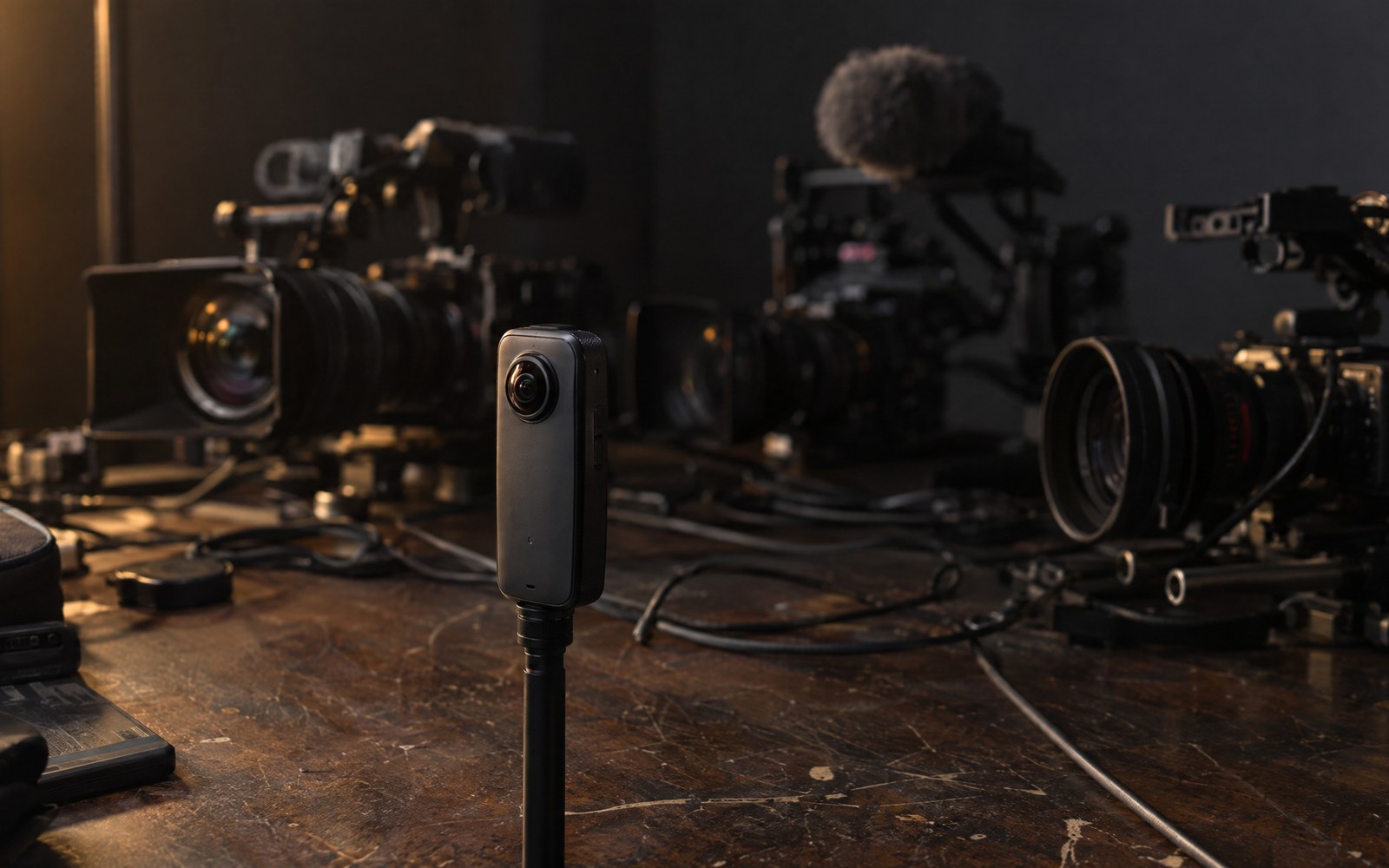
Video podcasts on YouTube and Spotify want close-ups, reactions and vertical clips. That used to mean three cameras, three angles to sync and an operator. A 360° camera records every angle at once – PodcastMagic 360 turns that one file into the edit.

| PodcastMagic 360 | Three-camera setup | 360° reframed by hand | |
|---|---|---|---|
| Cameras | one 360° camera | three, plus tripods and cables | one 360° camera |
| Angles | every seat, any framing, also later | what each camera was pointed at | any, keyframed by you |
| Who is on screen | decided automatically, you correct | multicam switching (manual or Resolve's SmartSwitch) | you, for every cut |
| Camera moves | automatic, with real braking | only with an operator | keyframed by hand |
| Reactions and two-shots | found and cut in | if a camera caught them | you look for them |
| Vertical clips | 9:16 on its own timeline, reframed | cropped from 16:9 | reframed by hand |
| Price | $99 once | two more cameras | your hours |
A weekly show, recorded at the table, out the same evening.
Corporate and client podcasts with a small kit and a fast turnaround.
One recording for the full episode on YouTube and the vertical clips for Reels, Shorts and TikTok.
Four or more people around one camera, every face covered.

A 360° camera in the middle, the podcast audio on its own recorder. Choose the folder: the plugin sets up the Resolve project and syncs the sound.
Faces all around the room, who speaks when (speech and mouth movement), the horizon. You check and adjust, it remembers your studio for the next episode.
Close-ups, mediums, two-shots, listener reactions, gentle moves with real braking – in the style you pick. Overdub any part live with the number keys.
A Fusion composition on your clip, in full resolution. Colour, sound and subtitles stay yours to finish in Resolve.
Press Everything automatic and the plugin runs the whole chain. Press it again for a different variant of the cut. Every step stays editable afterwards.
Let the plugin do it all, or take over any part of it. Once a show looks the way you want, save it and put the same style on the next film, even with new people in another room.
Load a profile, press Everything automatic, then Export now. The plugin sets up, listens, finds the faces, directs, finishes picture and sound, writes the timeline and renders it.
Studio type, target format, a style preset (calm, dynamic, talk show, punchy), how far it may vary and the picture quality – then one click.
Every decision can be changed: pace, moves down to your own drawn curve, reactions, look, sound, titles. A report shows what it measured and why it chose it, and a 5-second sample shows the finished picture before the whole episode renders.
Your whole style under one name: direction, moves, reactions, picture, sound, languages and format. It leaves out the people and the cut, so it fits any episode, with any guests, anywhere.
Same room next week? Seats, names, roles, horizon, voices and face matching come back by themselves from the folder next door.
All analysis runs on your computer, inside Resolve and the plugin. Only translated subtitles send the transcript to Anthropic, and only when you ask for them.
| Signal | From | Used for |
|---|---|---|
| Who speaks when | Resolve's speech analysis on the podcast audio | the basic cut: on the speaker, slightly ahead of the first word |
| Direction of each voice | the camera's own microphones (GoPro MAX spatial audio) | matching voices to faces |
| Mouth movement | face landmarks while each voice talks alone | matching voices to faces when the room sound is unsure |
| Faces around 360° | face detection in views all around the sphere | finding the people, framing close-ups and mediums |
| Facial expressions | 52 face shape values, twice a second | smile, surprise, doubt, sad, angry, disgust, yawn, eyes closed, nod, head shake |
| Sounds | an audio classifier on the podcast sound | laughter, gasps, sighs, applause, crying, shouting, singing, whistling |
| Skin tone per person | the middle of each face | evening out brightness and colour cast between people |
| Light flicker | 50/60 Hz lamps beating against the frame rate | deflicker in the finished picture |
| Picture noise, highlights, crop | frame differences, clipped pixels, how far a close-up enlarges the source | noise reduction, contrast and sharpening set to match |
| Room reverb, mains hum, levels | the decay after speech, the hum's harmonics in the pauses, each speaker's level | how much reverb to remove, a hum filter, levelling the voices |
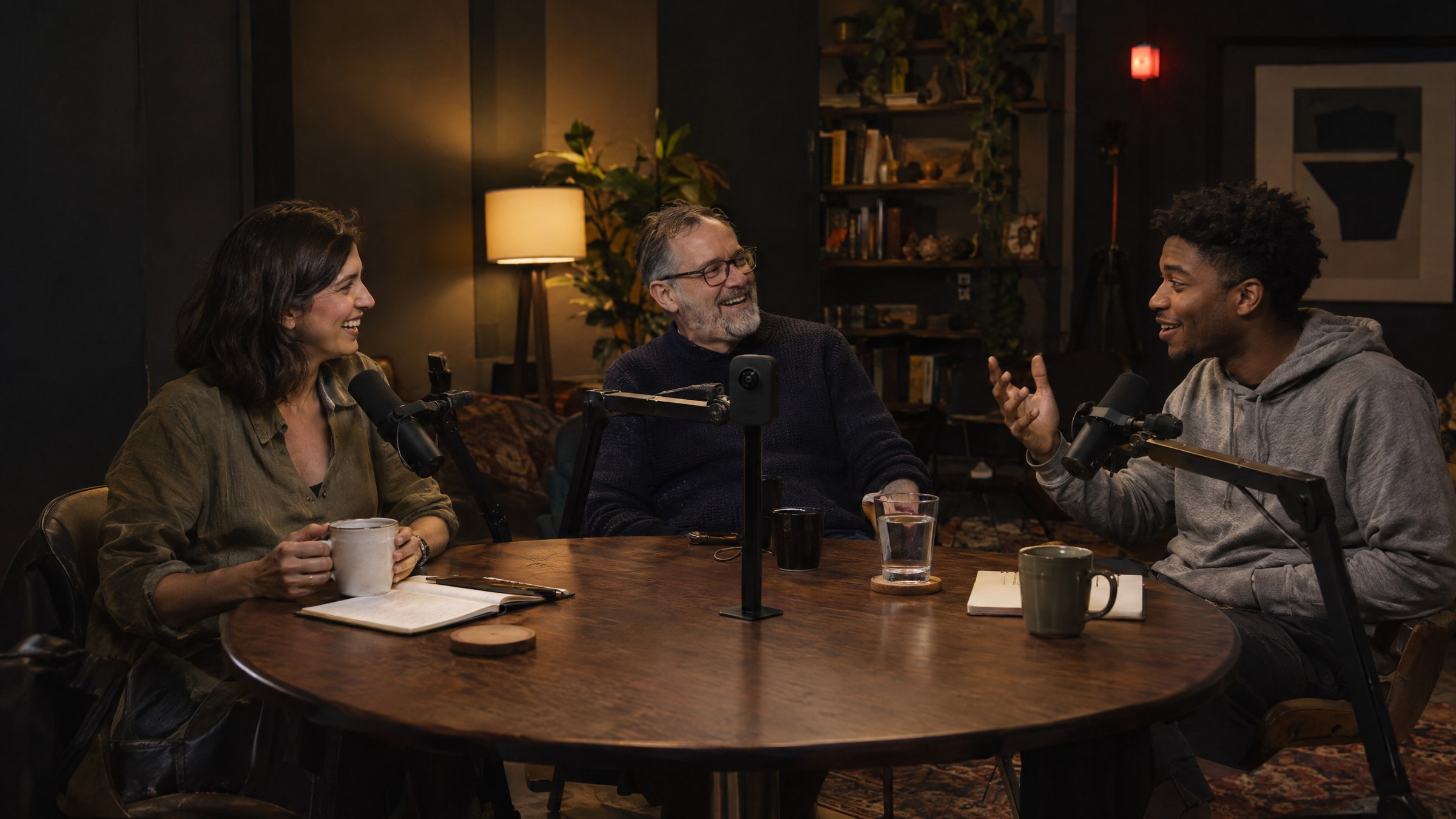
The autopilot follows your settings. Leave the defaults or tune every part, then compute the suggestion again – your own cuts are always kept.
Play the episode and direct with the keyboard. Where you cut, your choice replaces the suggestion; before and after, it stays. Every change can be undone.
Moves that set off gently and roll out, cuts that land in a pan still settling, a hand on the camera if you want it. Vary the style a little or freely – who is shown when stays right.
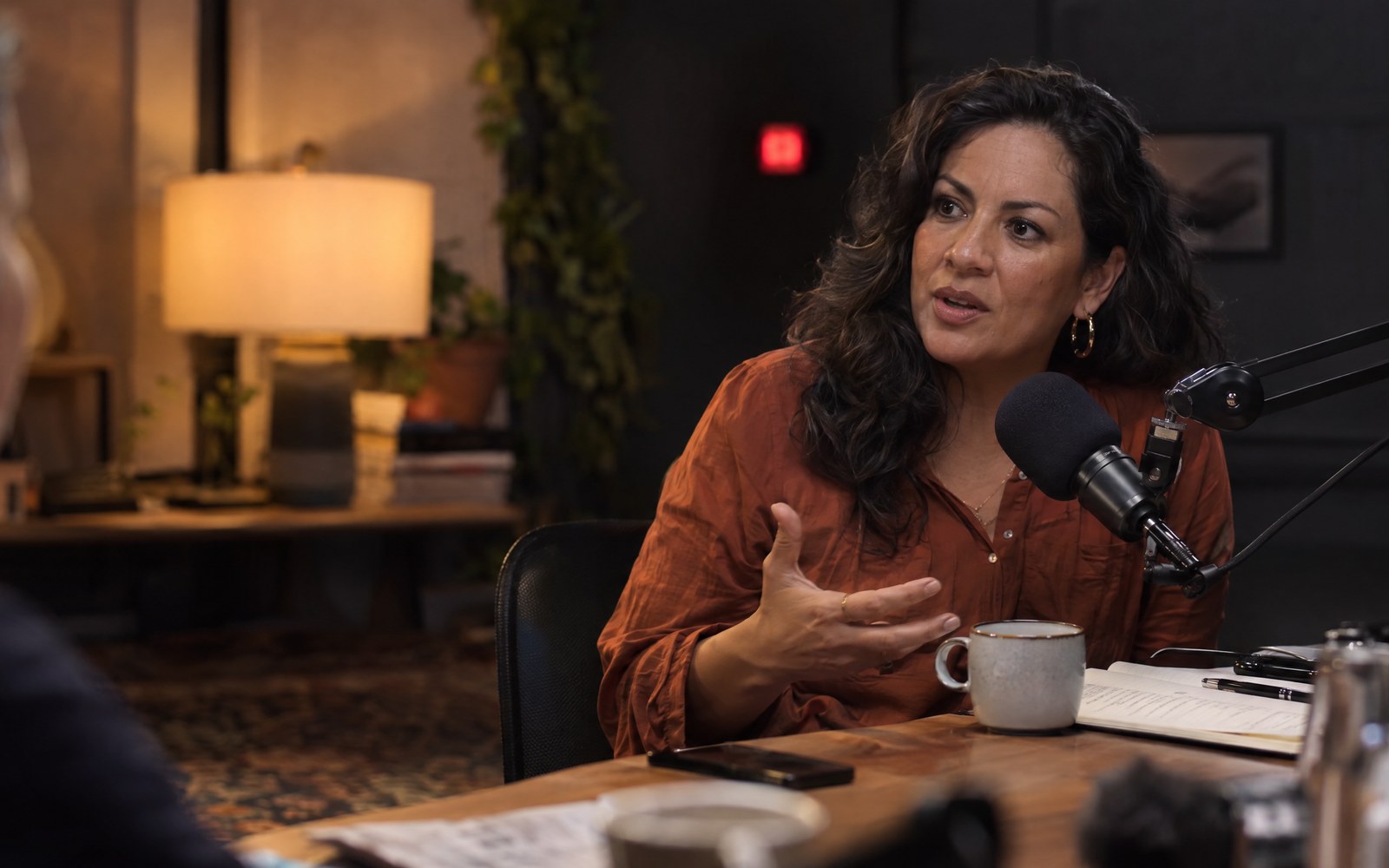
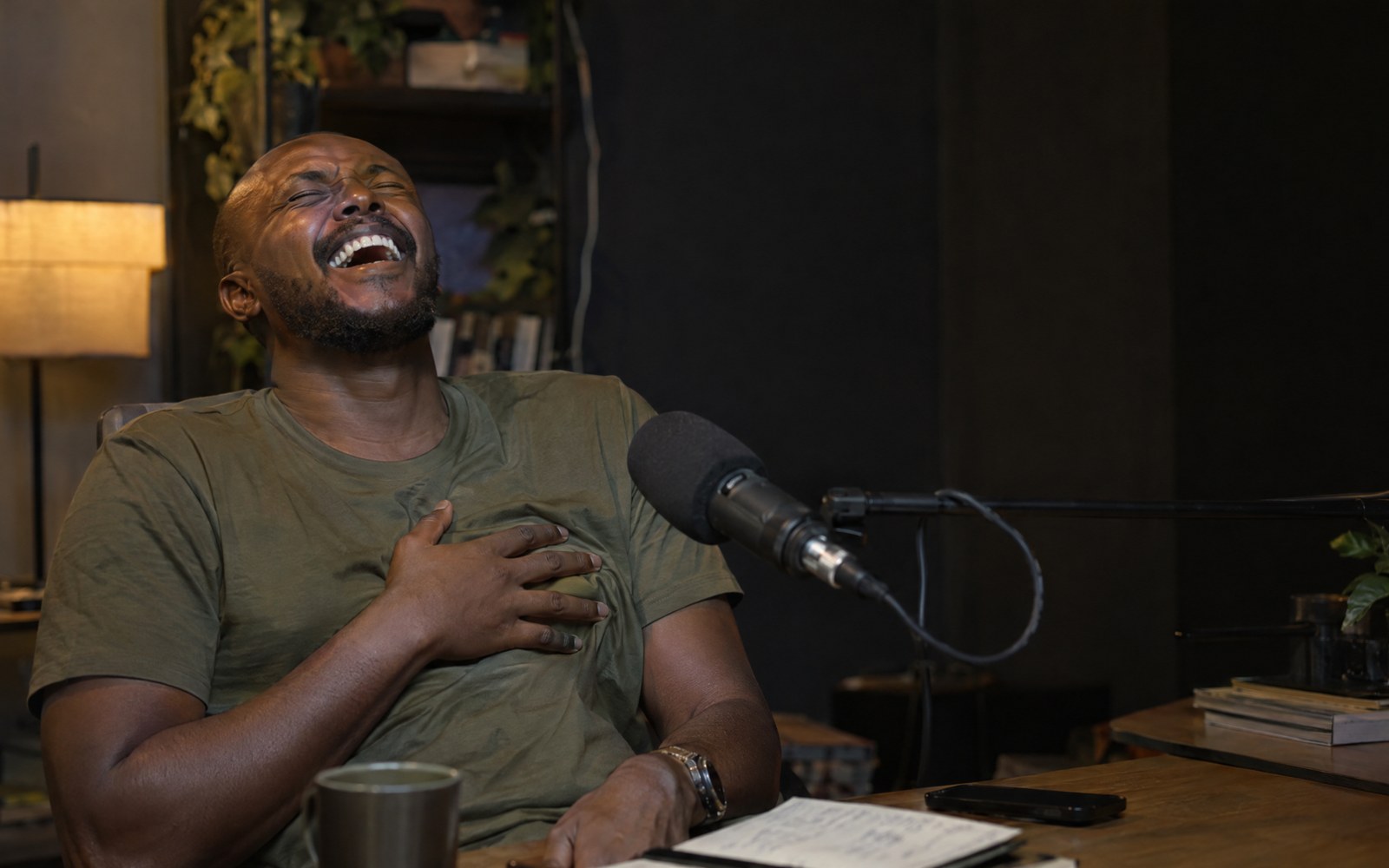
Smiles, laughs, surprise, nods, a sigh: the plugin reads faces and sound and cuts to whoever reacts. Optional emotion display that follows the face – for shows like MozzCast that love a bit of fun.
Deflicker for 50/60 Hz lights and noise reduction run on the HD cut in a second pass instead of on the 360° source – about 12 frames per second instead of half a frame. Full quality that plays back smoothly.
16:9, 2.39:1, 9:16 for Reels and Shorts, 4:5, 1:1 – each on its own timeline, framed anew.
Brightness and colour cast evened out per person, under any light in the room.
Warm, even, −16 LUFS, clipped peaks rebuilt, room reverb taken down with Voice Isolation.
Translated with Claude from the whole conversation, as SRT next to your video.
Each person speaks the translation with their own trained voice – Resolve's AI Speech Generator, a track per language.
Fly in from a tiny planet, spin once around the room, now and then – heads kept in frame.
Each person introduced with name and role the first time they are on screen, a title at the start, credits at the end – on their own track, editable in Resolve.
The best moments found by reactions and lively talk, rendered in 9:16 from the 360° source – not blown up from the landscape cut.
The episode to YouTube or Vimeo, the clips to YouTube Shorts or TikTok, through Resolve's own accounts.
Three thumbnail proposals from the strongest reactions, YouTube chapters written from the conversation.
Per person over time: who speaks, who laughs, who is surprised – so you see where the moments are.
Measures flicker, noise, sharpness, room reverb, mains hum and levels, then sets picture and sound to match – and tells you why.
The whole panel, in Resolve's own look.
The plugin writes an ordinary DaVinci Resolve timeline. Everything after that is Resolve at full strength: grade it, mix it, add titles and graphics, then render any codec and resolution Resolve offers.
Your episode on its own timeline, one per format. Trim, add intros, b-roll, lower thirds – the cut stays yours.
Every camera move is keyframes on the DM360 Reframe tool. Open the comp and change any pan, zoom or framing by hand.
Faces matched and the look applied as a starting point. Keep grading with nodes, LUTs and Resolve's full colour tools.
The mastered podcast sound placed on the timeline as a normal audio clip. Mix music, add effects, adjust any line.
A light “Cut” version for smooth editing and the “Final” with every quality tool – switch with one click, no rewrite.
Export now renders the episode and every highlight clip in one go, and can upload them through Resolve. Or render as usual: H.264/H.265, ProRes, DNxHR – any format Resolve offers.
Pick your studio type and the plugin sets framing, two-shots, rounds and style to match. Everything stays adjustable.
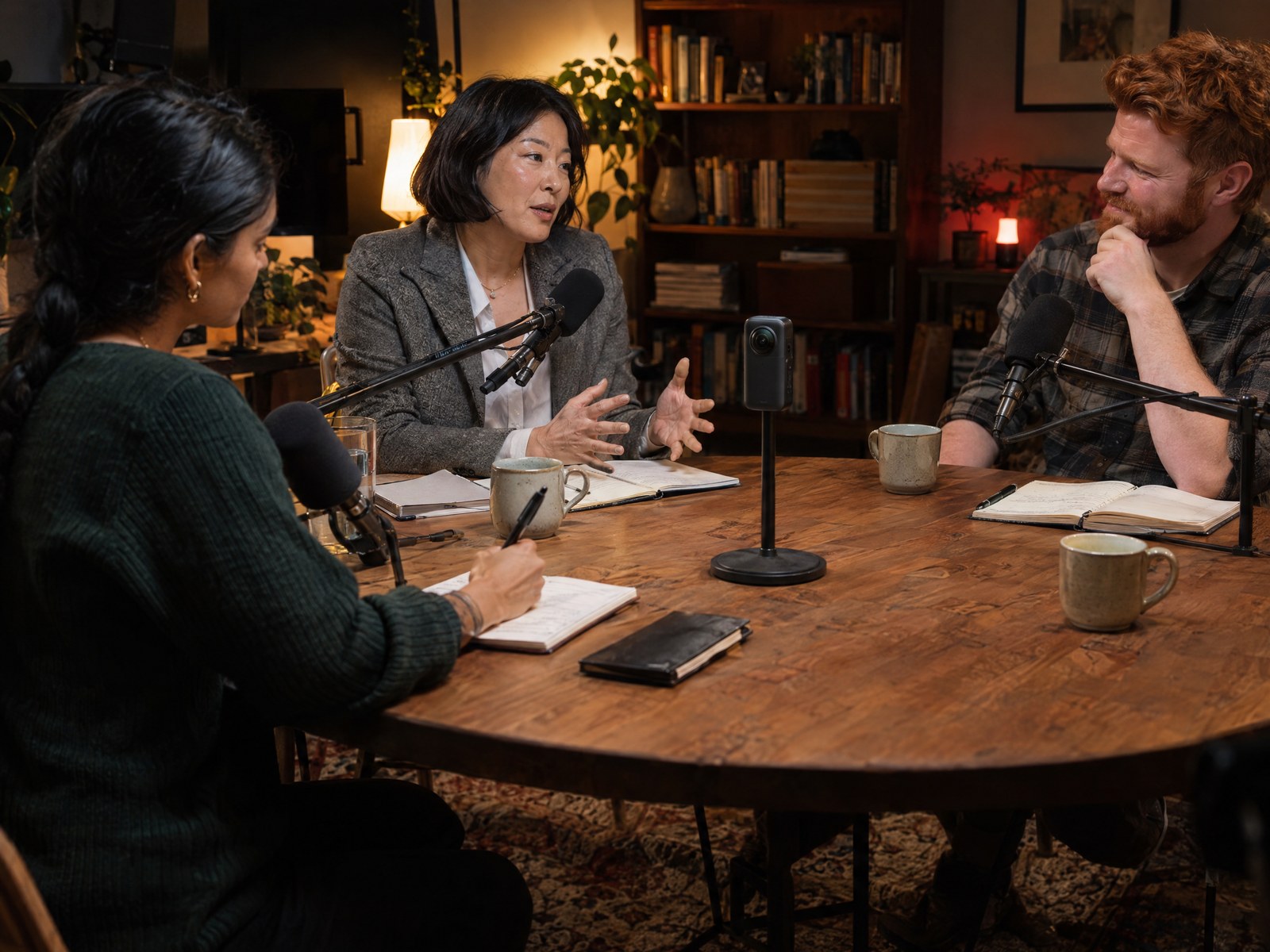
The classic podcast table, camera in the middle.
head and shoulders · eye level · quick two-shots
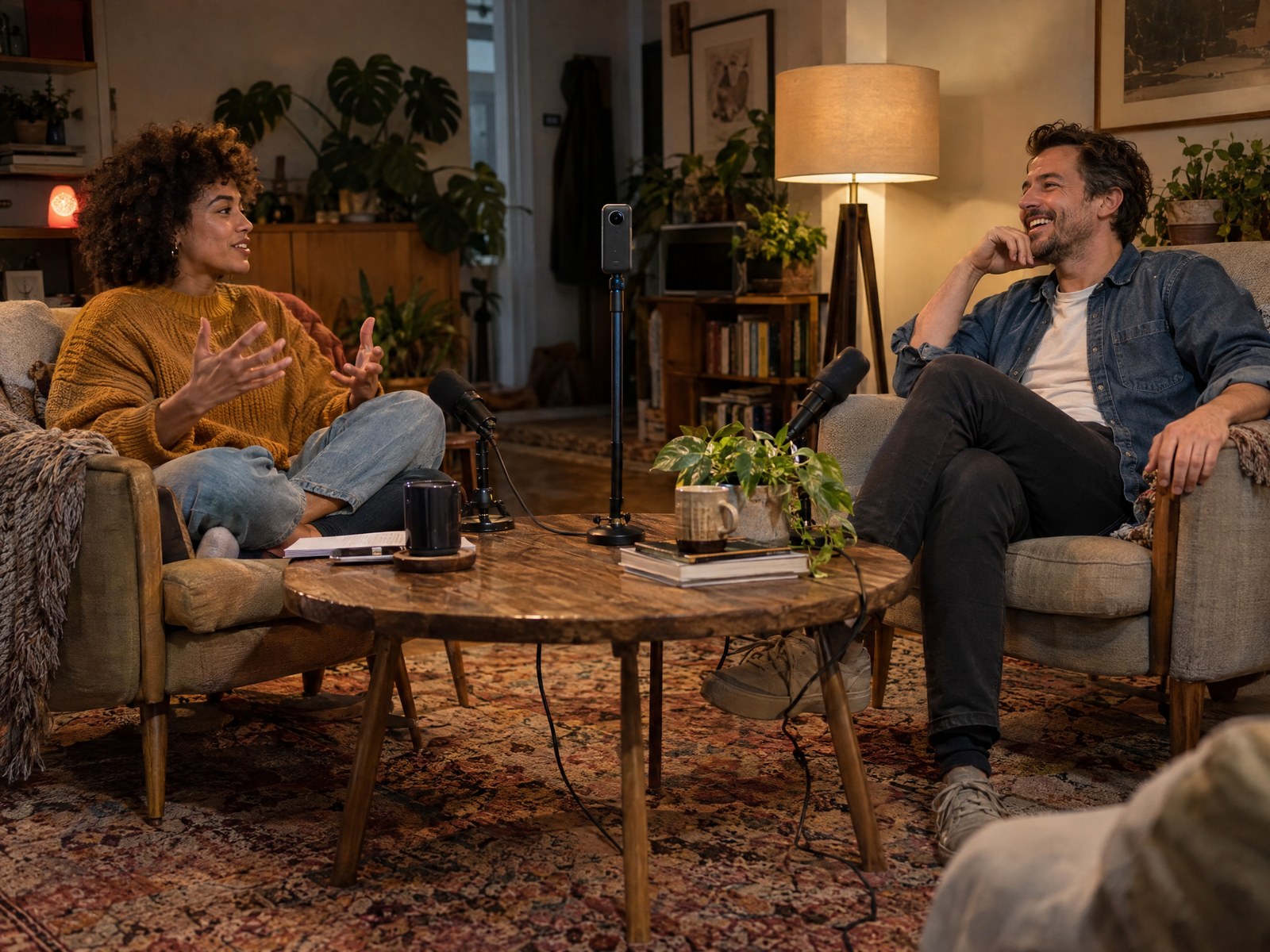
Leaning back, turned towards each other.
wider, with hands · more two-shots · calm style
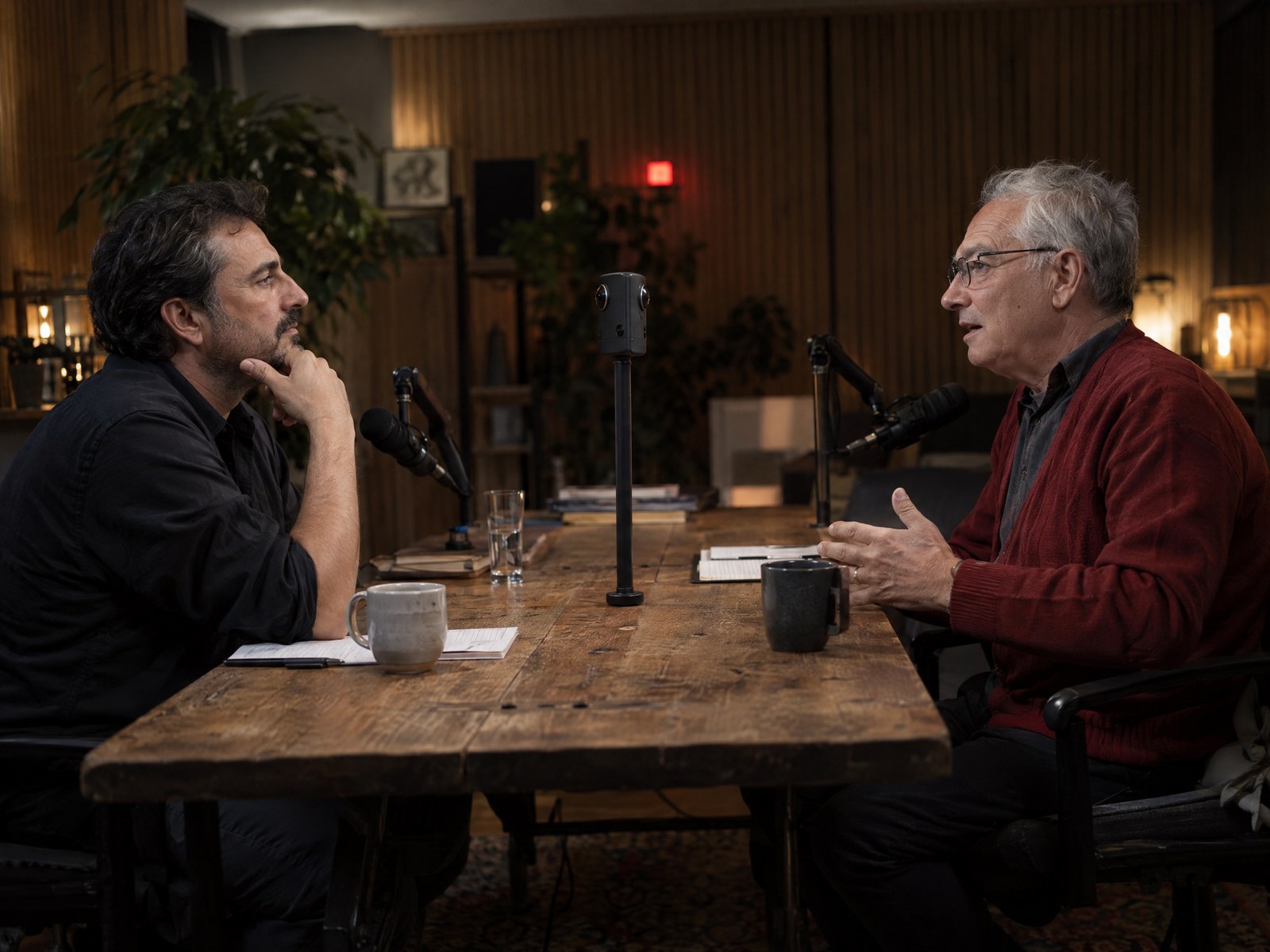
Two people facing each other.
tighter close-ups · listener shown often
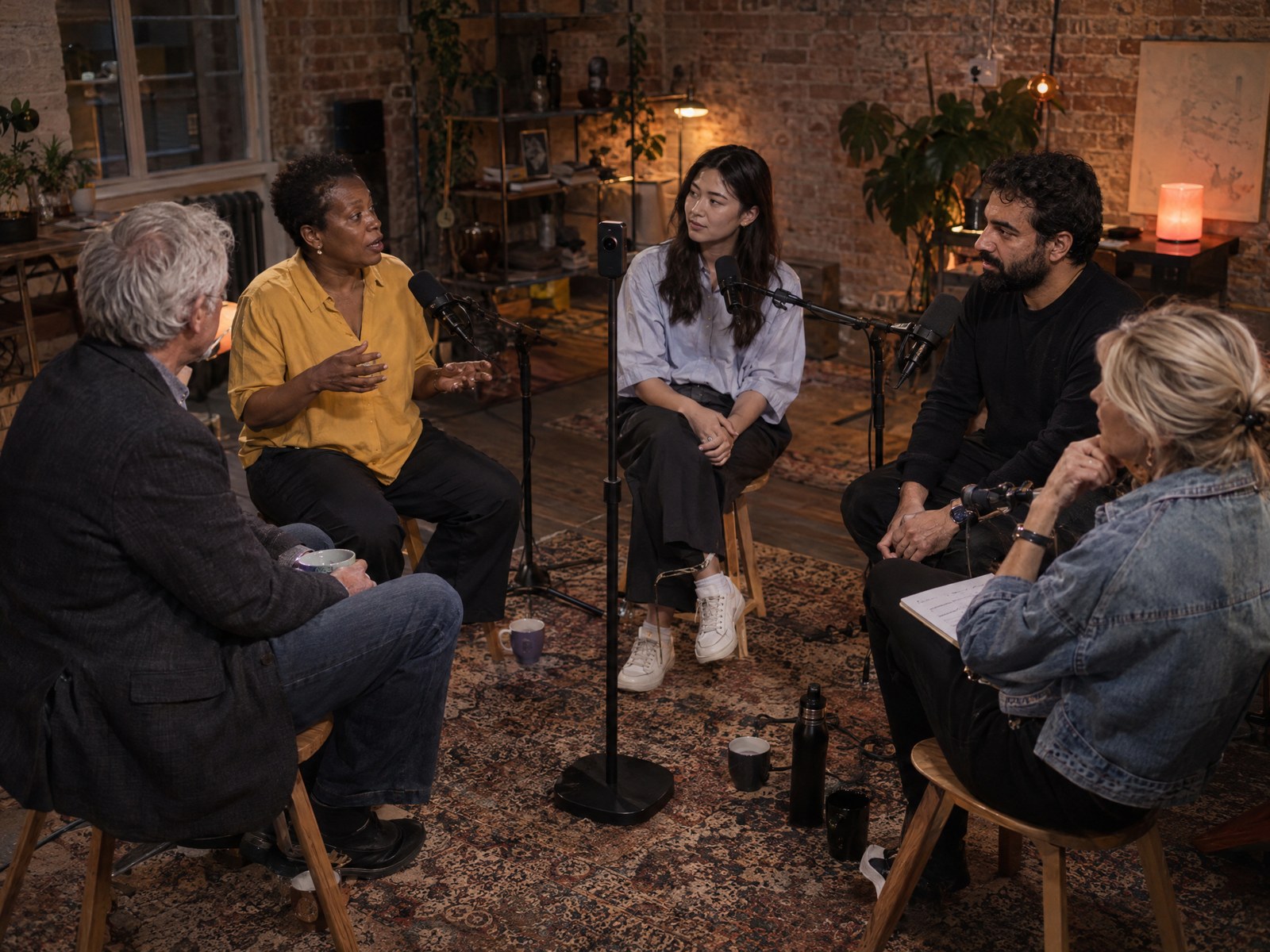
Four or more around the camera.
wider · rounds and wide shot more often
On their feet, moving a little.
wide with headroom · wide shot often
PodcastMagic 360 runs inside DaVinci Resolve Studio, the editor many film and TV productions use. You don't have to learn it: the plugin does the cutting, Resolve renders the video.
A one-time licence from Blackmagic Design (about $295, included with some of their cameras). Free updates, no subscription. Buy it at Blackmagic Design ↗
One line to paste, then it updates itself. The system check tells you if anything is missing.
Camera file and podcast audio in one folder, press Everything automatic, check the cut, render. Your episode and its clips are done.
Everything together is a one-time cost of about $394 – less than one extra camera, and no camera operator for every episode.

GoPro MAX / MAX 2 (.360), Insta360 X series (.insv) or any equirectangular 360° MP4. 5.6K gives sharp close-ups.
Everyone about the same distance away, faces not hidden by mics or screens.
A recorder or interface with good mics. The plugin syncs it to the camera by itself.
Set the camera's anti-flicker to your mains (50 Hz in Europe). What still flickers, the plugin takes out.
25 or 29.97 fps, as you deliver. The plugin sets Resolve's playback to match.
No transcoding, no proxies needed: the camera files go into Resolve as they are.
Buy through Polar. Your licence key arrives by email right away and stays in Polar's customer portal.
Windows: PowerShell as administrator. macOS: Terminal.
Restart Resolve, then Workspace › Workflow Integrations › PodcastMagic 360. In Preferences › System › General, set External scripting to Local.
Settings › Licence › Activate. The system check there shows anything missing and how to fix it. Updates install themselves.
No subscription. Try everything in the plugin for free – the trial writes the first two minutes of an episode to your timeline.
A plugin for DaVinci Resolve Studio that turns one 360° camera recording into a multicam video podcast edit. It finds every person, works out who is speaking and directs the cut like a camera operator would – close-ups, two-shots, reactions, camera moves, lower thirds and 9:16 highlight clips – on an ordinary Resolve timeline.
Put one 360° camera in the middle of the table and record the podcast sound on its own recorder. Choose the folder: the plugin sets up the Resolve project, syncs the sound, finds the faces, matches voices to faces, picks up reactions and directs the cut in your style. It writes a Fusion composition on your clip in full resolution; every step stays editable.
GoPro MAX and MAX 2 (.360), Insta360 X series (.insv) and any 360° camera that records equirectangular 2:1 video (.mp4, .mov, .m4v). The camera's own files go straight in – no export from GoPro Player or Insta360 Studio, no stitching, no transcoding. 5.6K or more gives sharp close-ups.
DaVinci Resolve Studio 21.1 or later, with Preferences › System › General › External scripting set to Local.
Yes: Windows 10 / 11 (64-bit) and macOS on Apple Silicon. One installer line in PowerShell or Terminal, then it updates itself.
Yes. Install it without a key: everything works – calibrating, directing, preview. Writing to the timeline and finishing the picture cover the first two minutes of an episode. A licence costs $99 once and unlocks whole episodes in the same installation.
No. Workflow integration plugins only run in DaVinci Resolve Studio, and several tools the plugin uses (deflicker, noise reduction, Voice Isolation) are Studio features. Get Resolve Studio from Blackmagic Design ↗
Resolve can switch between several synced cameras. PodcastMagic 360 starts from a single 360° recording: it creates every angle first, then directs between them.
In the plugin, Settings › Licence › Free this computer, then activate the same key on the new one. If the old computer is gone, write to us and we reset it.
To activate the licence and check it now and then. After that it keeps working offline for 30 days. Translated subtitles need an internet connection.
Your licence covers every 1.x update. A future version 2 will be a new licence, with a discount for existing customers.